A new image of something similar.
- Proportions may drift
- Texture may be reimagined
- Legs, edges, or hardware may change
Create realistic lifestyle product photos with AI—without asking AI to redesign the product you actually sell.
Built for furniture and products where every detail matters.No credit card required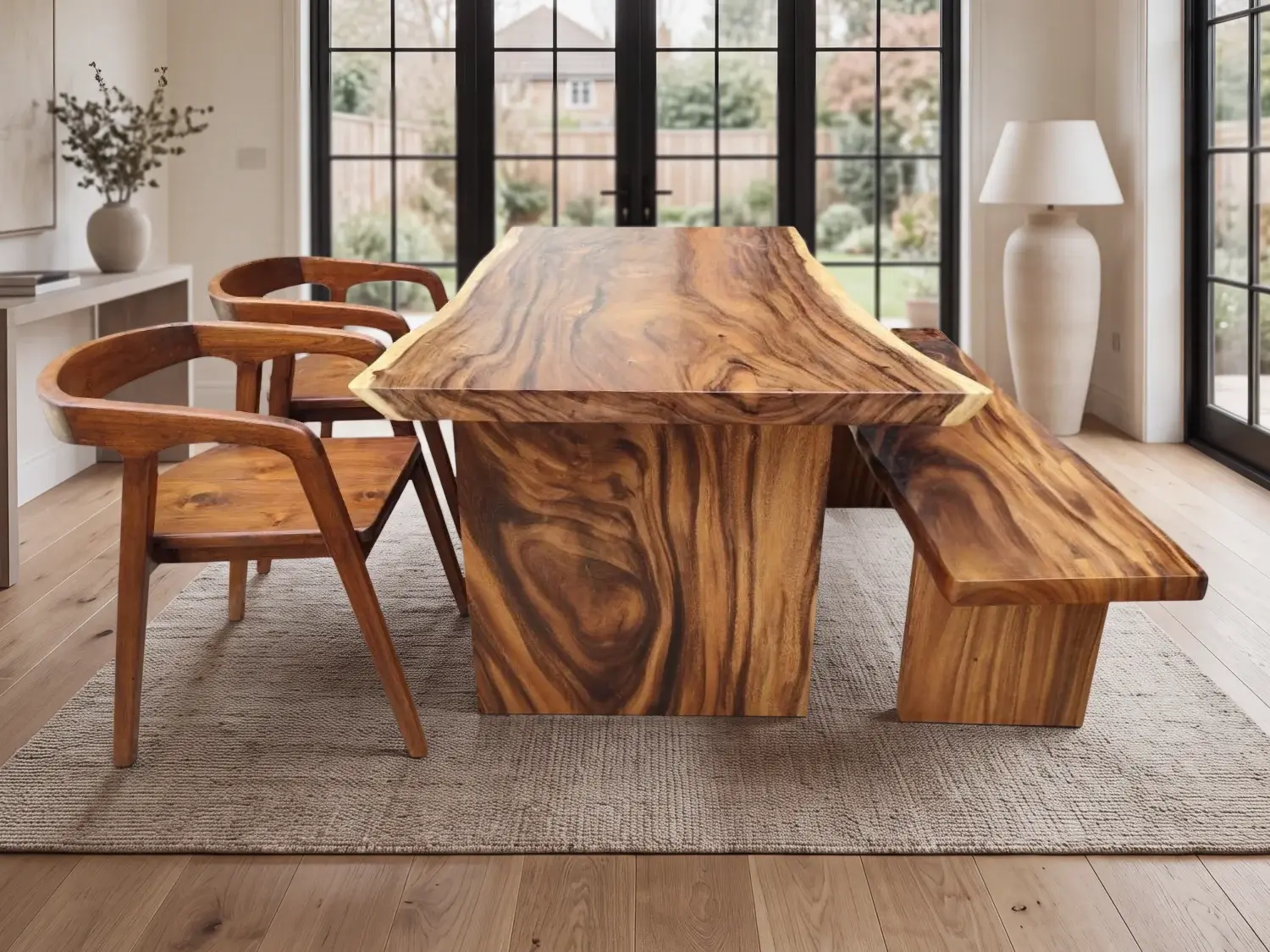
 Before · OriginalAfter · Zemqo
Generic image generation can reinterpret the shape, finish, or construction of what you sell. Zemqo is built around product preservation, with the source photograph kept at the center of the workflow.
Designed to maintain the product's shape, proportions, materials, textures, color, and visible details while Zemqo builds the setting around it.
For ecommerce, a convincing image still fails when the item no longer matches what the customer will receive.
The fastest path stays simple: upload, check the cutout, choose the place, and generate.
Zemqo detects the subject and removes the existing background.
Use erase, restore, or edge-safe refinement for difficult details.
Pick one of eleven presets or describe a custom environment.
Compare the result with the original, then download in your preferred format.
Automatically isolate the product from a JPG, PNG, or WebP photo.
Correct difficult edges while protecting contrasting product detail.
Choose from eleven settings made for useful commercial product images.
Describe the room, location, light, and atmosphere your catalog needs.
Build the scene around believable scale, floor contact, perspective, and shadows.
Keep the source product as the visual truth instead of asking AI to invent it again.
Start with a furniture-focused preset, or describe the custom setting that fits your catalog.
 01
01Real daylight studio with a warm plaster wall and pale concrete floor.
Use this scene 02
02Warm neutrals, large windows and understated residential styling.
Use this scene 03
03Clean architecture, natural light and spacious neutral styling.
Use this scene 04
04Warm natural materials and soft tropical daylight.
Use this scene 05
05Natural stone, soft daylight and distant greenery.
Use this scene 06
06Pale oak, soft daylight and calm Nordic simplicity.
Use this scene 07
07Warm plaster, natural timber and quiet handcrafted detail.
Use this scene 08
08Brick, concrete and broad window light in a converted loft.
Use this scene 09
09Refined gallery materials with balanced commercial lighting.
Use this scene 10
10Airy white plaster, pale stone and gentle seaside daylight.
Use this scene 11
11Manicured green lawn, luxury modern architecture and soft outdoor daylight.
Use this scene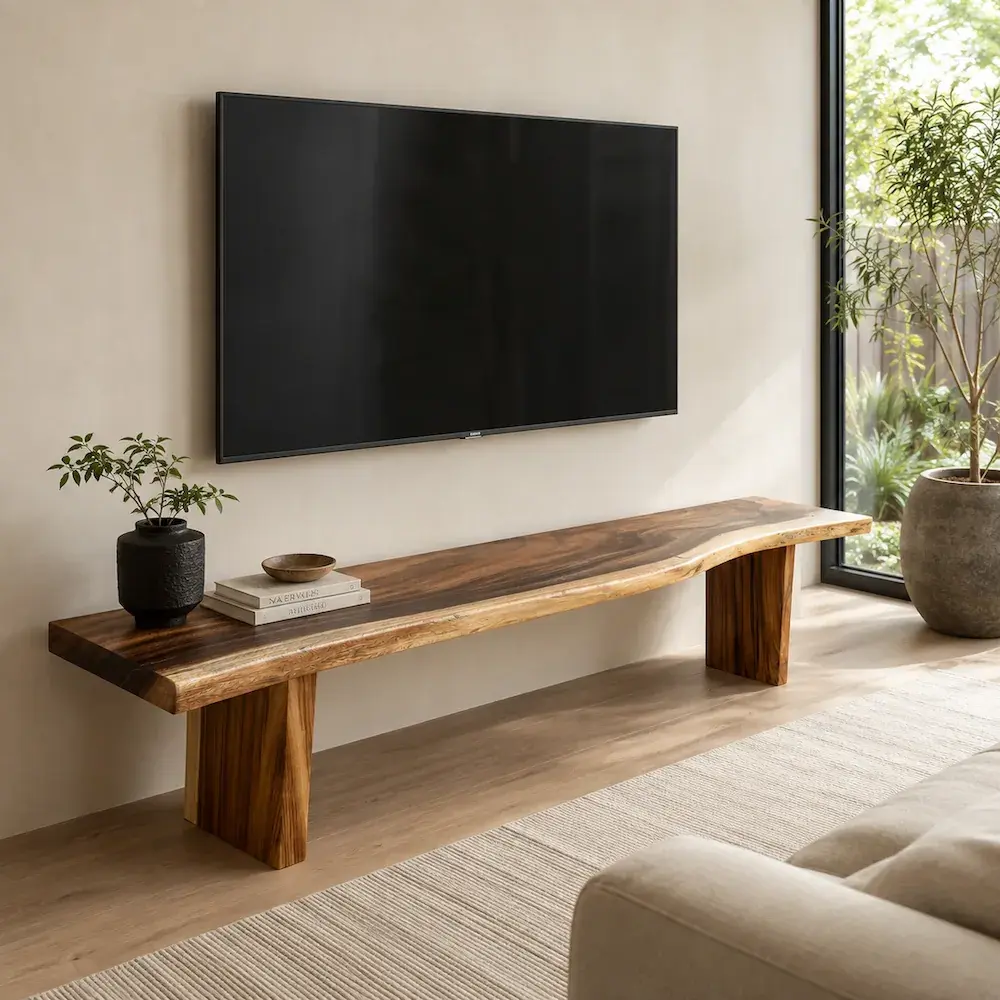
Furniture makes AI mistakes easy to see. The proportions define the piece. Wood grain and upholstery define the material. Legs, joints, floor contact, room scale, shadows, and perspective determine whether a lifestyle image feels believable.
Zemqo approaches AI furniture photography by treating the real product as the reference, then creating the realistic furniture background around it—not by inventing another chair or table.
Remove a product background automatically, refine difficult edges if needed, and download a transparent PNG.
Remove background freeChoose a preset when speed matters, or describe a room, studio, location, light, and atmosphere of your own.
Create a custom sceneCreate room scenes without transporting large pieces to multiple locations.
Turn basic product photos into a more consistent lifestyle catalog.
Prepare listing-ready product images from the photos you already have.
Show finished products in realistic settings before arranging a full shoot.
Build campaign imagery around the real products customers can buy.
Try 3 standard-size images after email verification. Paid packs are one-time purchases with no monthly fees.
What Zemqo does today—and what to review before publishing.
Zemqo is an AI product photography tool. It removes a product background, lets you review the cutout, and creates a new lifestyle setting around the product.
Zemqo is designed to preserve the source product and restore its core details after scene generation. Fine edges, reflections, and shadows can vary, so every result should still be reviewed before publishing.
Yes. The current workflow is optimized for furniture such as chairs, tables, sofas, cabinets, and products where material, proportions, legs, joints, and floor contact matter.
Yes. Automatic background removal is included in the scene workflow, and a separate transparent PNG background remover is also available.
Yes. Choose Custom and describe a room, studio, outdoor location, lighting style, or atmosphere.
No. Upload a photo, review the cutout, choose a scene, and generate. Manual refine tools are available when an edge needs attention.
Yes. Verify your email to receive 3 free standard-size images. No card is required for the trial.
Upload one JPG, PNG, or WebP image at a time, up to 10 MB. Download generated scenes as PNG, JPEG, or WebP. Background cutouts use transparent PNG.
Give it a better place to be seen.
Create your first scene